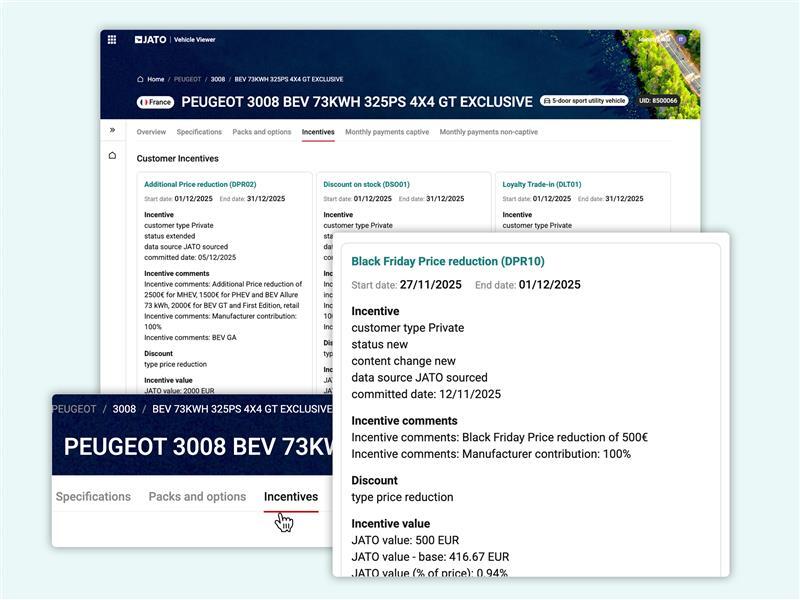


Customers with an Incentives data licence can now access offer and discount data directly in Vehicle Viewer for their licensed markets. The latest enhancement brings this information into the vehicle page alongside specifications, packs and options.
The Incentives view displays all applicable offers and discount programmes for the specific vehicle you're viewing. This provides a streamlined way to understand the available deals for each model.
To access this information, simply navigate to the "Incentives" tab at the top of the vehicle page when viewing any vehicle in Vehicle Viewer.